
Cloud & Modern Workplace
Secure, effortless collaboration, wherever your people work
Work has long since stopped happening only at a desk in the office. Your people work at home, at customers' premises, in the car between two appointments or in the warehouse. They expect their files, email and calendar to be available everywhere, on every device. You expect your company data to stay secure in the process.
Cloud & Modern Workplace is about your people's digital workplace: email, files, Teams, laptops, smartphones and telephony, securely available from the cloud. We set up Microsoft 365 and your devices so that both are possible: effortless collaboration, within clear agreements and with one standard for everyone. So that technology helps your people instead of getting in their way.

Sound familiar?
- Files are scattered across a server, personal OneDrives, email attachments and USB sticks.
- A new colleague waits days for a laptop that works the way it should.
- Nobody knows exactly which licences are running and whether they are still needed.
- After an acquisition or merger, two or three Microsoft 365 environments exist side by side.
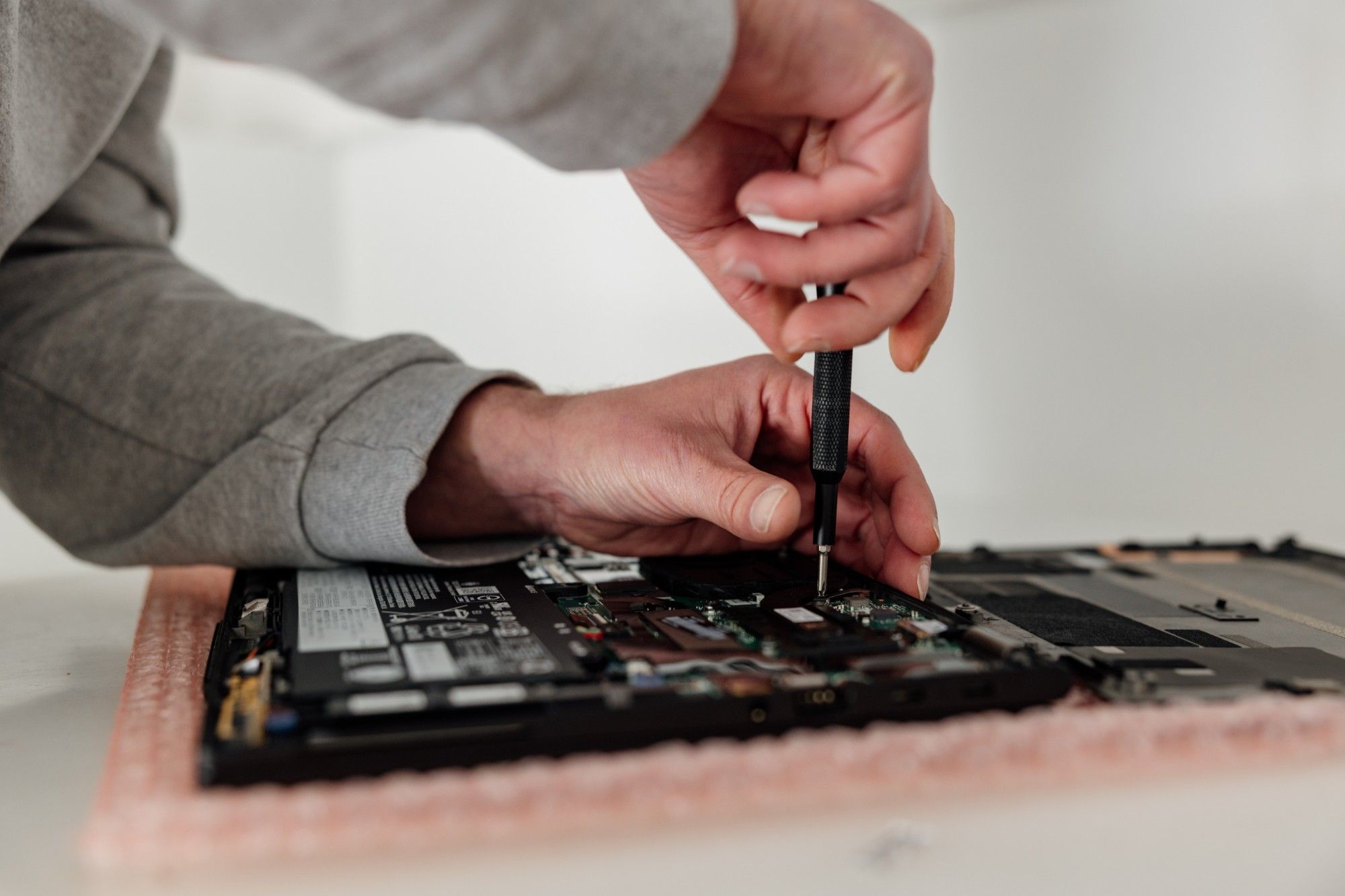
A workstation that is simply ready
Say a new employee starts next week. We receive an email with their name, role and start date. On their first working day, the new colleague unpacks a laptop, signs in with their new account, and the rest happens automatically: the right software is installed, the mailbox is ready, the team's shared folders are visible and security is set up correctly.
No half a day waiting for IT, no colleague who first has to work out which programs are needed. And when someone leaves, their access is closed off in one place and the company's files stay where they belong.
What we do
Microsoft 365
Set-up, licence management and security according to a fixed baseline, with MFA, conditional access and clear permissions.
Intune
Laptops and smartphones managed and secured centrally. A new device is ready to use as soon as your employee signs in.
Teams and SharePoint
A structure for collaboration your people understand, with agreements on where which files belong.
Migrations and tenant consolidation
When you grow, merge or acquire: from an old server or several environments to one, planned and with as little disruption as possible.
Cloud telephony
A 3CX cloud phone system, number porting and handsets, managed by the same partner as your IT.
Network and Wi-Fi
Office, production hall or warehouse: reliable and properly segmented.
Hardware
Advice on and supply of workstations, network equipment and servers that fit your standard.
Collaboration without searching
A lot of lost time is not down to big problems, but to small frustrations: not finding the right version of a document, sending a file back and forth by email, not knowing which folder something belongs in. That is why we pay attention to the structure of Teams and SharePoint every time we set things up.
Together with you, we look at how your teams work and translate that into a layout that feels logical. We then explain it briefly to your employees, so everyone knows where to find what. The result: less searching, less duplicated work, and files that are stored securely.
How we approach it
Inventory
which environments, licences, devices and data are there today?
Design
one baseline for security, devices and collaboration, aligned with how your business works.
Migration and roll-out
step by step, with clear communication to your employees.
Management
licences, updates and security followed up within managed services.
What it delivers
New colleagues up and running faster
A device that is ready at the first sign-in, with the right software and permissions.
Files in one place
Everyone knows where documents belong, and always works with the latest version.
Less risk if a device is lost or stolen
A managed device can be locked or wiped remotely.
A clear view of licences
You pay for what you use, not for accounts of people who left long ago.
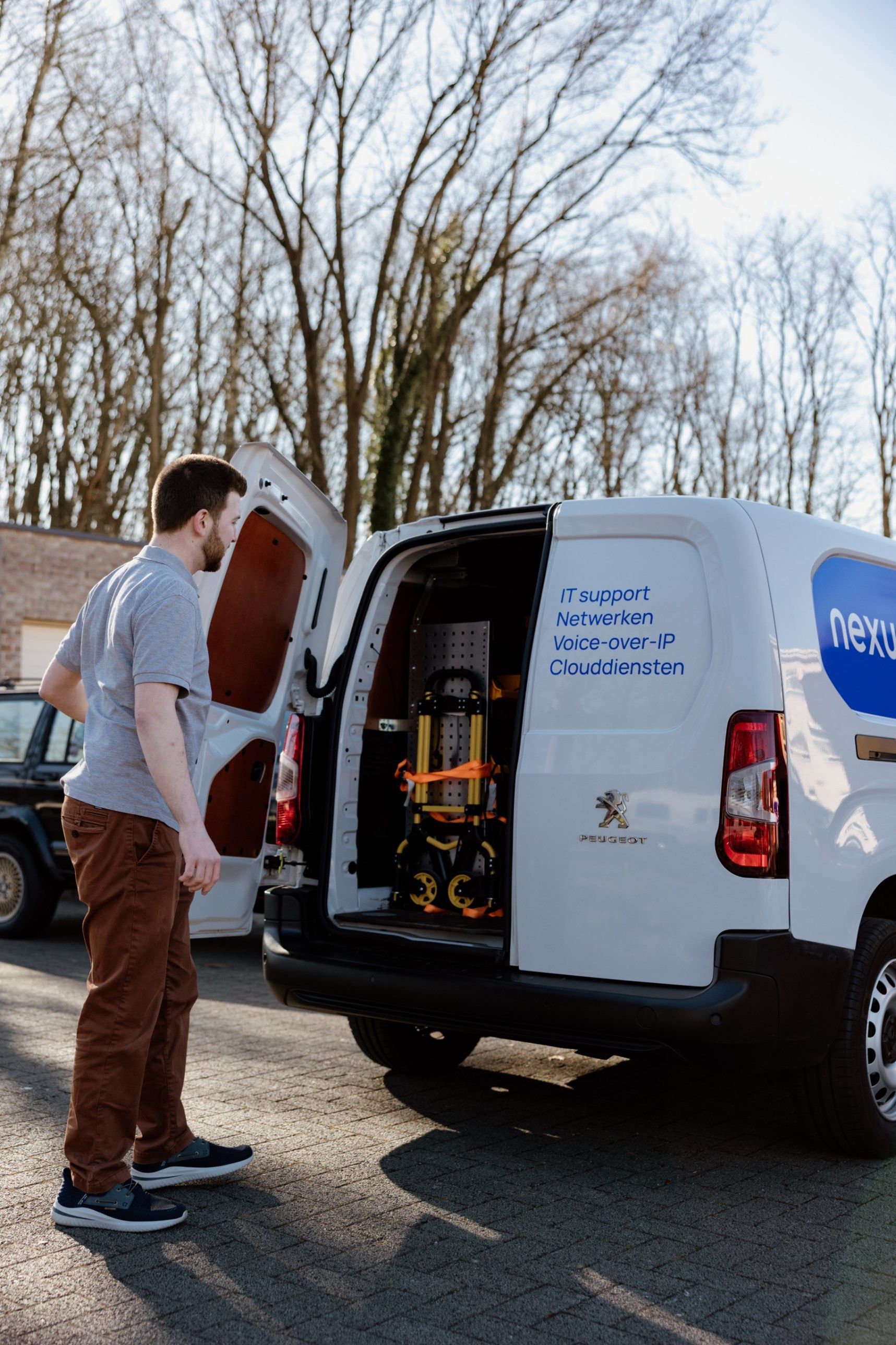
Why Nexu
Workplace, telephony, network and security with one partner means no finger-pointing between suppliers. When something does not work, there is one point of contact who sees the whole picture.
And because we use the same standard with all our customers and keep improving it, you benefit from what we learn elsewhere.
Frequently asked questions
We still have our own server. Does everything have to move to the cloud?
Not necessarily. We look at what makes sense for each application. Often a lot can move to Microsoft 365, with a small local component still needed for specific software or machines.
Can you merge our Microsoft 365 environments after an acquisition?
Yes. We plan a tenant migration carefully in advance: mailboxes, files, Teams and permissions move in phases, with a clear schedule for your employees.
Will our employees notice much of a migration?
As little as possible. We plan the switch so that work can carry on, and we let them know in advance what will change and what they need to do.
Do you rent out devices?
No. We advise on and supply hardware, but we do not rent out devices.
Does this also work without managed services?
A migration or set-up can be done as a separate project. Ongoing management works best within managed services.
What happens if a laptop is lost?
With Intune, we can lock or wipe a managed device remotely. Because your files are in Microsoft 365, your employee can carry on working on a new device.
Ready for IT that grows with your ambitions?
Book a no-obligation meeting. We listen first, ask the right questions and tell you honestly where the biggest gains are.
You may also like
Managed services
Your entire IT operation managed, for a predictable monthly fee.
Cybersecurity & Compliance
Protected, and able to prove it to customers, insurers and under NIS2.
IT Strategy & Advisory
An IT roadmap that follows your business plan, with an external IT manager (vCIO) at the table.
Business Applications & Data
Odoo and integrations that genuinely simplify your processes.
AI
From a first session to your own application, securely managed with Managed AI.